Intrinsically Safe Products
Best ATEX Zone 2 Laptops for Industrial Operations: Specs, Ruggedness & Compliance Guide
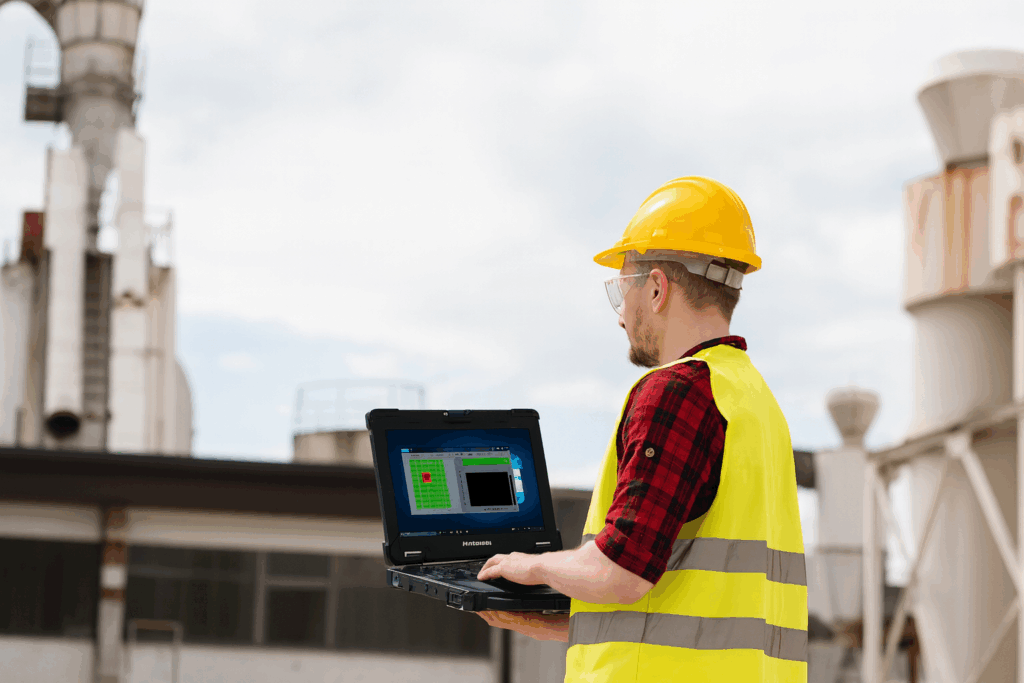
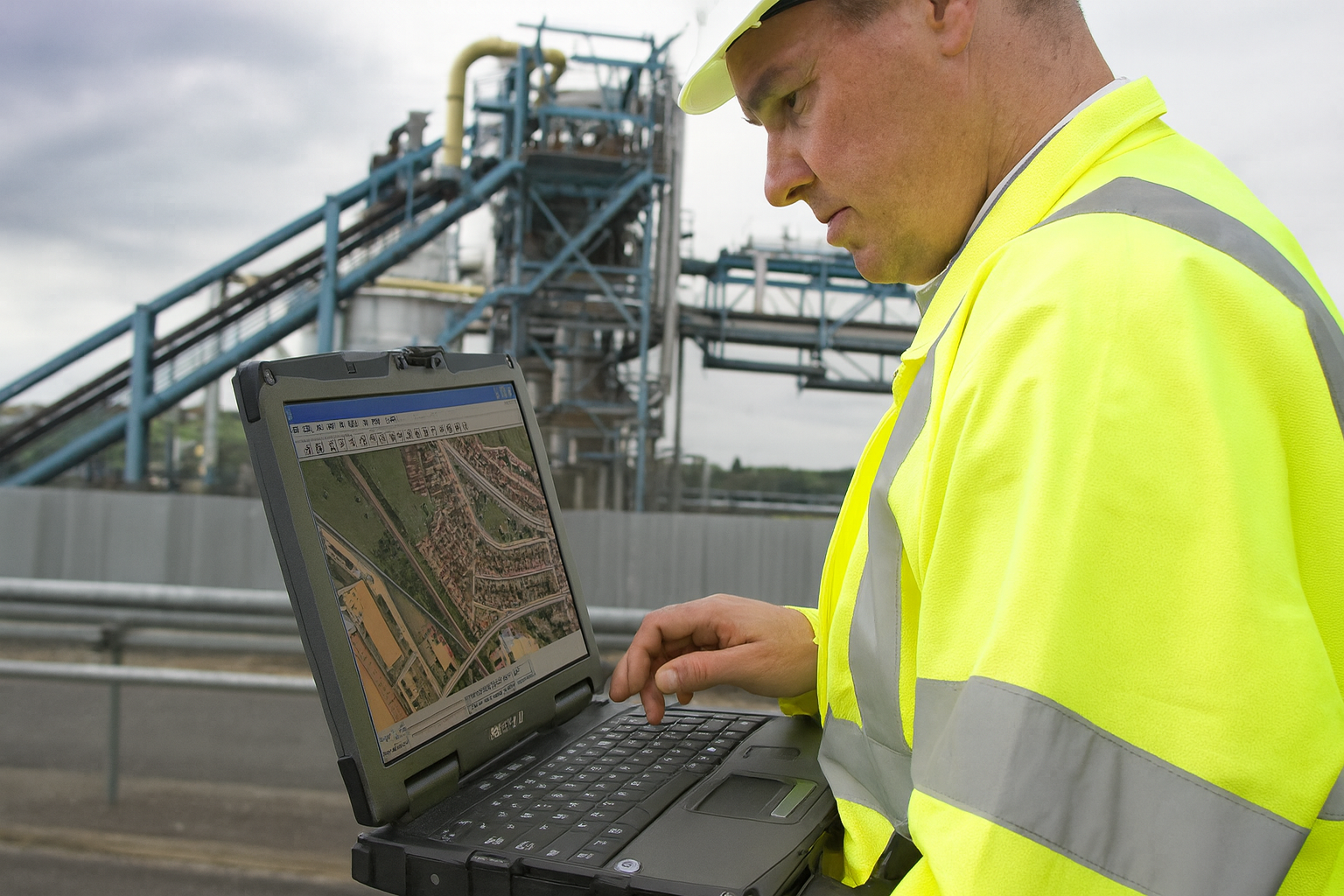
Choosing the right ATEX Zone 2 laptop is critical for technicians, engineers, and field operators working in hazardous environments where explosive gases may be present during normal operations. From oil and gas facilities to chemical plants and pharmaceutical production lines, Zone 2 areas require equipment tested and certified to ensure electrical safety, durability, and continued performance under harsh conditions.
Ready to shop instead of comparing specs? Browse our full catalog of certified, in-stock intrinsically safe laptops — by certification, display, and connectivity.
This guide breaks down everything you need to know—ATEX certification, ruggedness requirements, top-rated Zone 2-certified laptops, how they compare, and which industries benefit most.
Ready to upgrade to a certified ATEX Zone 2 laptop?
Compare certified rugged laptops designed for hazardous industrial environments.
What is an ATEX Zone 2 Laptop and How Does It Work?
An ATEX Zone 2 laptop is a computer specifically engineered and certified for use in explosive atmospheres where hazardous gases or vapors are unlikely to occur during normal operation, but may still appear. These laptops prevent ignition sources through sealed enclosures, thermal management, and component-level control.
ATEX Zone 2 laptops operate like standard rugged laptops but use non-sparking materials, controlled surface temperatures, and reinforced insulation. They undergo rigorous third-party testing to meet ATEX Directive 2014/34/EU.

Why Do Industrial Sites Need a Certified ATEX Zone 2 Laptop?
Industrial sites require certified ATEX Zone 2 laptops because any unprotected electrical device can generate heat or sparks that ignite explosive atmospheres. Zone 2 laptops help prevent accidents while enabling technicians to run diagnostic software, input field data, and communicate with control rooms.
Without certification, companies risk operational shutdowns, fines, and safety incidents.
How Is ATEX Zone 2 Classification Defined?
Zone 2 is defined as an environment where hazardous gases or vapors are not likely to occur under normal operation, and if they do, it’s only for short periods. Examples include pipeline terminals, offshore platforms, chemical storage areas, and pharmaceutical mixing rooms.
ATEX Zone 2 laptops are typically categorized under:
-
II 3G Ex ic IIC T4 Gc
-
II 3G Ex nA IIC T4 Gc
These markings confirm limited energy circuits, surface temperature control, and ignition prevention.
What Features Should You Look for in an ATEX Zone 2 Laptop?
You should look for ATEX certification markings, rugged construction, long battery life, advanced processors, and usability features essential for field tasks. ATEX Zone 2 laptops must balance both intrinsic safety and high performance.
Core Features
-
ATEX Zone 2 & IECEx certification
-
Rugged MIL-STD-810 design
-
SSD storage (preferably NVMe)
-
Daylight-readable displays
-
Hot-swappable batteries
-
Glove-touch compatibility
-
Integrated barcode scanners or RFID (optional)
-
Strong wireless connectivity (Wi-Fi 6, LTE/5G)
Need more than just laptops for your hazardous area workforce?
Intrinsically Safe Tablets
Intrinsically Safe Cell Phones
Build a fully compliant mobile ecosystem for teams in ATEX and IECEx zones.
Which Industries Use ATEX Zone 2 Laptops the Most?
Industries relying most heavily on Zone 2 laptops include oil and gas, petrochemicals, mining, energy production, and chemical manufacturing. These sectors operate complex systems that require real-time data entry, diagnostics, and mobility in hazardous areas.
Common Applications
-
Maintenance and inspection (CMMS systems)
-
SCADA and PLC programming
-
Asset management and calibration
-
Pipeline and refinery data logging
-
Offshore equipment commissioning
-
Industrial automation troubleshooting
Want to go deeper into ATEX and IECEx requirements?
What Is ATEX Certification?
ATEX vs IECEx Explained
Class I Div 1 vs Class I Div 2
Top ATEX Zone 2 Laptop Available at Intrinsically Safe Store
Certified rugged laptop inventory for hazardous areas is limited industry-wide — here’s the model currently in stock and verified available.
Durabook Z14I C1D2 Rugged Laptop
Key Specifications
- Certification: Class I Division 2 (C1D2)
- Intel® Core™ Ultra processor with AI integration
- 1,200-nit sunlight-readable touchscreen
- Wi-Fi 7 connectivity
- IP66 rated for dust and water resistance
ATEX Zone 2 Laptop Comparison Table
| Product | Certification | Display | Connectivity | Best For |
|---|---|---|---|---|
| Durabook Z14I C1D2 | Class I Division 2 | 1,200-nit sunlight-readable touchscreen | Wi-Fi 7 | Oil & gas and industrial field operations |
How Do Rugged Certifications Like MIL-STD-810H Improve Durability?
MIL-STD-810H testing ensures that ATEX Zone 2 laptops can survive vibration, drops, humidity, extreme temperatures, and dust exposure. This ruggedness is critical in hazardous industries where laptops are frequently transported, used outdoors, and exposed to adverse conditions.
These certifications extend equipment lifespan and reduce repair costs.
What Performance Specs Matter Most in an ATEX Zone 2 Laptop?
Performance needs vary by role, but processors, RAM, and SSD speeds are essential for engineering software, SCADA interfaces, and asset-management platforms..
Recommended Specs
-
Processor: Intel i5 or i7
-
Storage: 256GB to 2TB SSD
-
RAM: 16GB minimum
-
Connectivity: Dual-band Wi-Fi, Bluetooth, LTE/5G optional
Field technicians typically need mobility and moderate processing power, while engineers may require workstation-level specs like those found in the X600 Zone 2.
How Long Should an ATEX Zone 2 Laptop Battery Last in the Field?
Most Zone 2 laptops offer 8–12 hours of runtime, with hot-swappable batteries enabling extended use during long shifts.
For remote sites without charging options, this is a non-negotiable feature.
What Are the Most Common Applications for ATEX Zone 2 Laptops?
ATEX Zone 2 laptops are most commonly used for field diagnostics, SCADA access, maintenance tasks, onsite reporting, and asset inspection.
Typical Software Run on Zone 2 Laptops
-
Honeywell Experion
-
Schneider Electric EcoStruxure
-
Emerson AMS
-
Siemens TIA Portal
-
CMMS platforms including MaintainX, Fiix, UpKeep
These laptops bridge operational technology (OT) and information technology (IT) in hazardous environments.
FAQs About ATEX Zone 2 Laptops
Are ATEX Zone 2 laptops intrinsically safe?
Most Zone 2 laptops are non-sparking rather than fully intrinsically safe. They rely on non-incendive protection methods rather than energy-limiting circuits.
Do ATEX Zone 2 laptops work outdoors?
Yes. Their rugged construction—MIL-STD testing, IP ratings, and sealed components—makes them suitable for outdoor industrial environments.
Can I use a non-rated laptop in a Zone 2 area?
No. Using uncertified electronics violates ATEX and OSHA standards and may lead to ignition risks, fines, or shutdown.
What is the difference between Zone 1 and Zone 2 laptops?
Zone 1 requires higher protection levels for areas where hazardous gases are frequently present. Zone 2 devices have lower ignition-control requirements but must still prevent sparks and excessive heat.
How do I verify ATEX certification?
Certification markings such as II 3G Ex ic IIC T4 Gc or Ex nA must be printed on the device housing and listed in manufacturer documents.
Conclusion: Choosing the Best ATEX Zone 2 Laptop for Industrial Operations
Selecting the right ATEX Zone 2 laptop ensures safe, compliant, and efficient operations in hazardous gas environments. For oil & gas and industrial field operations, the Durabook Z14I C1D2 offers certified protection with high-performance computing in a sunlight-readable display.
Each laptop offers certified protection, rugged durability, and long-term ROI—making them essential tools for modern industrial operations.